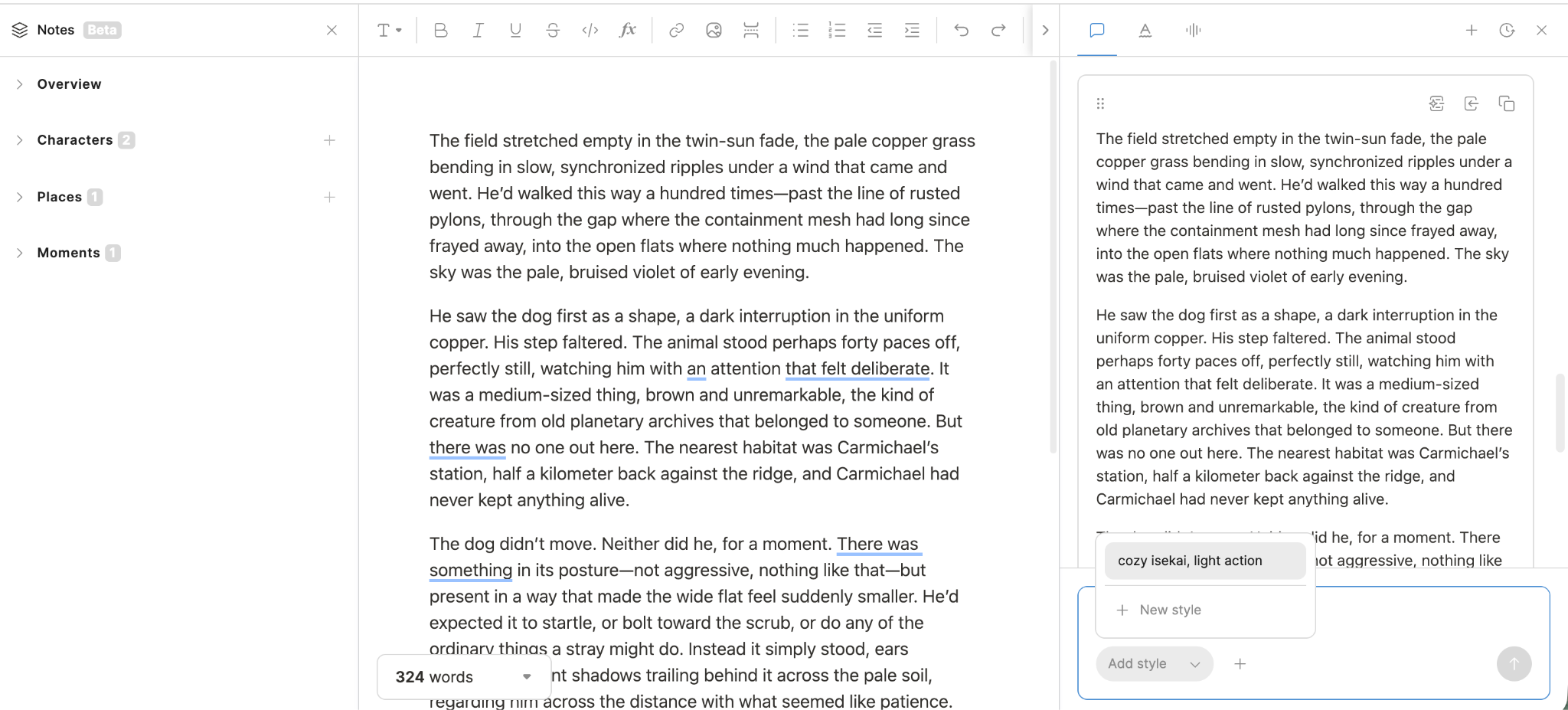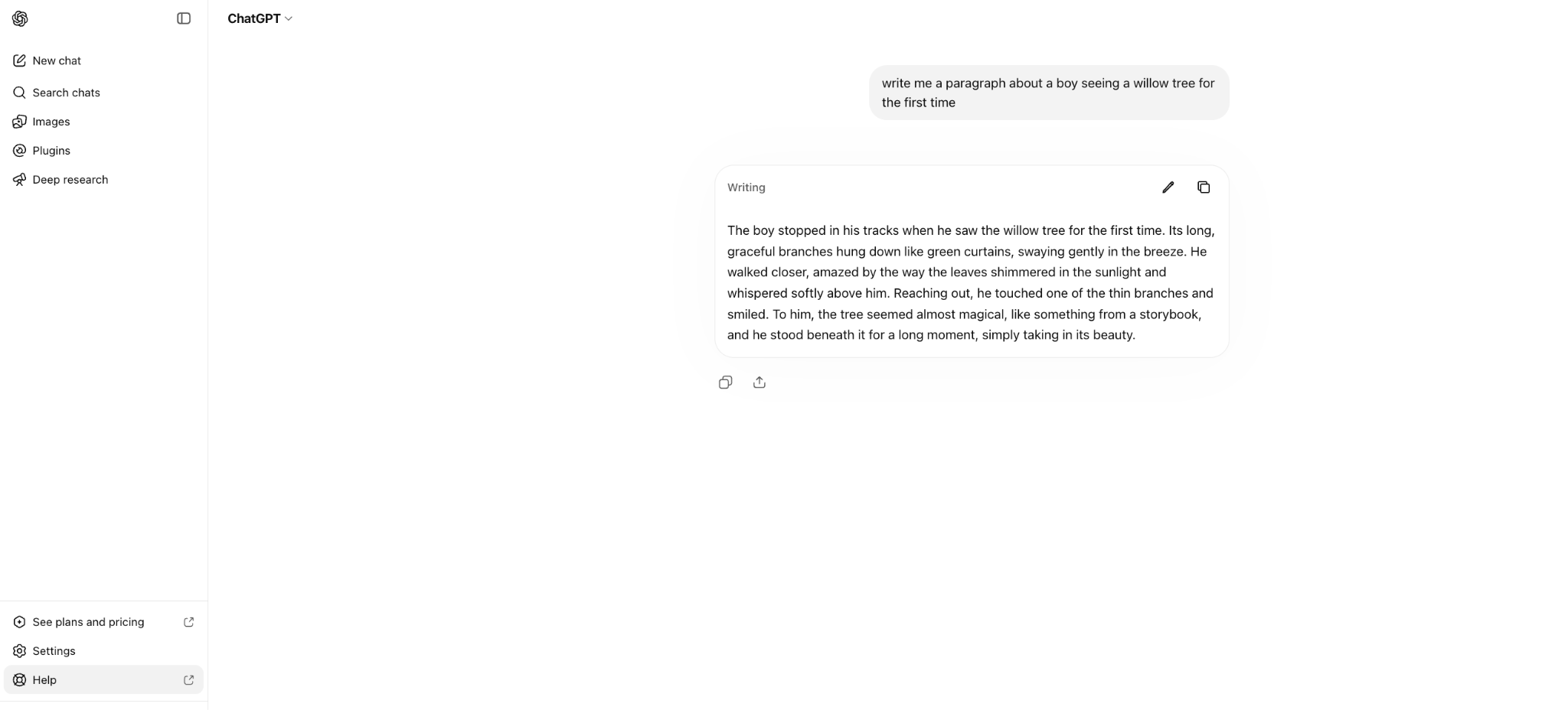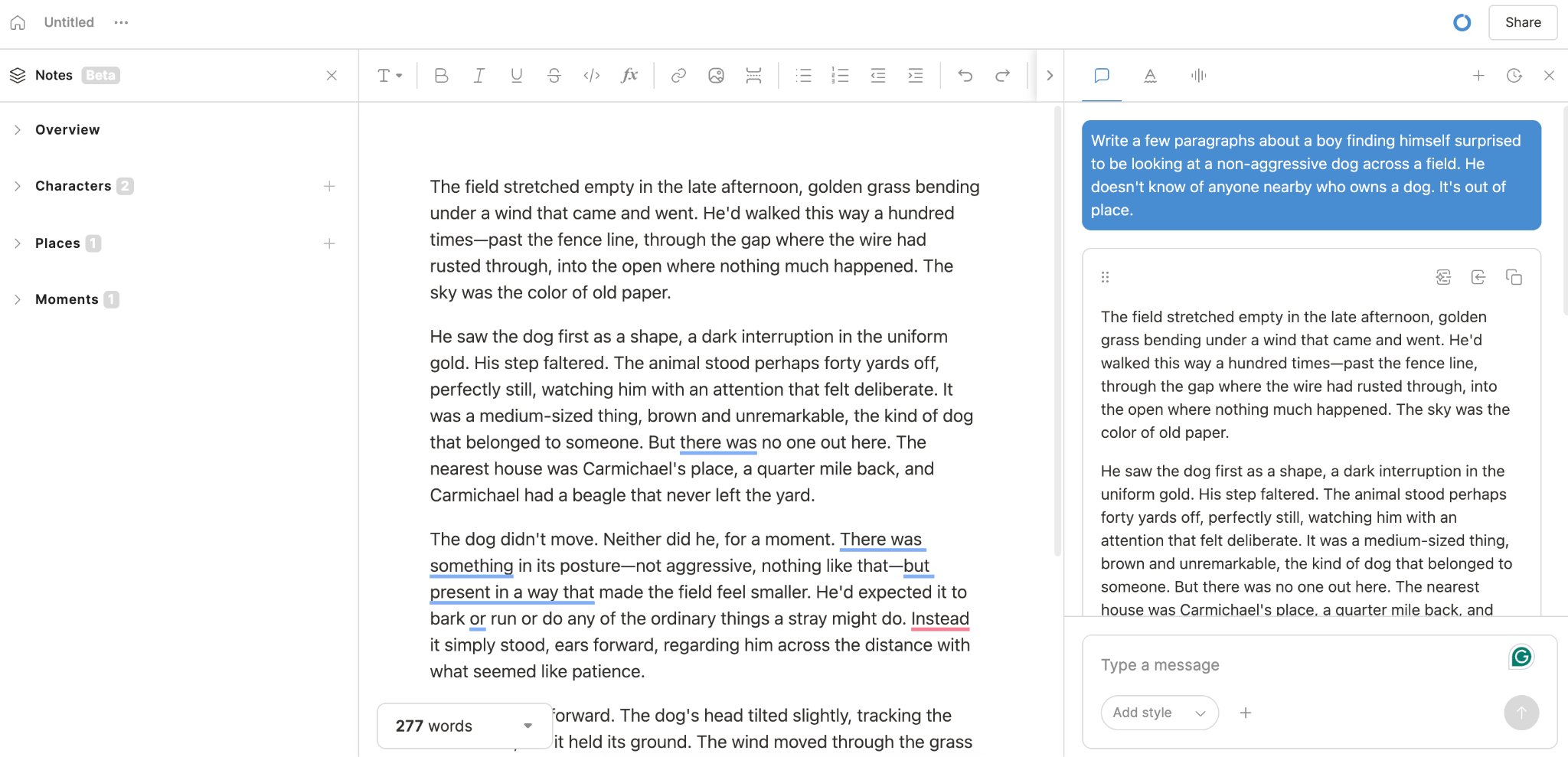

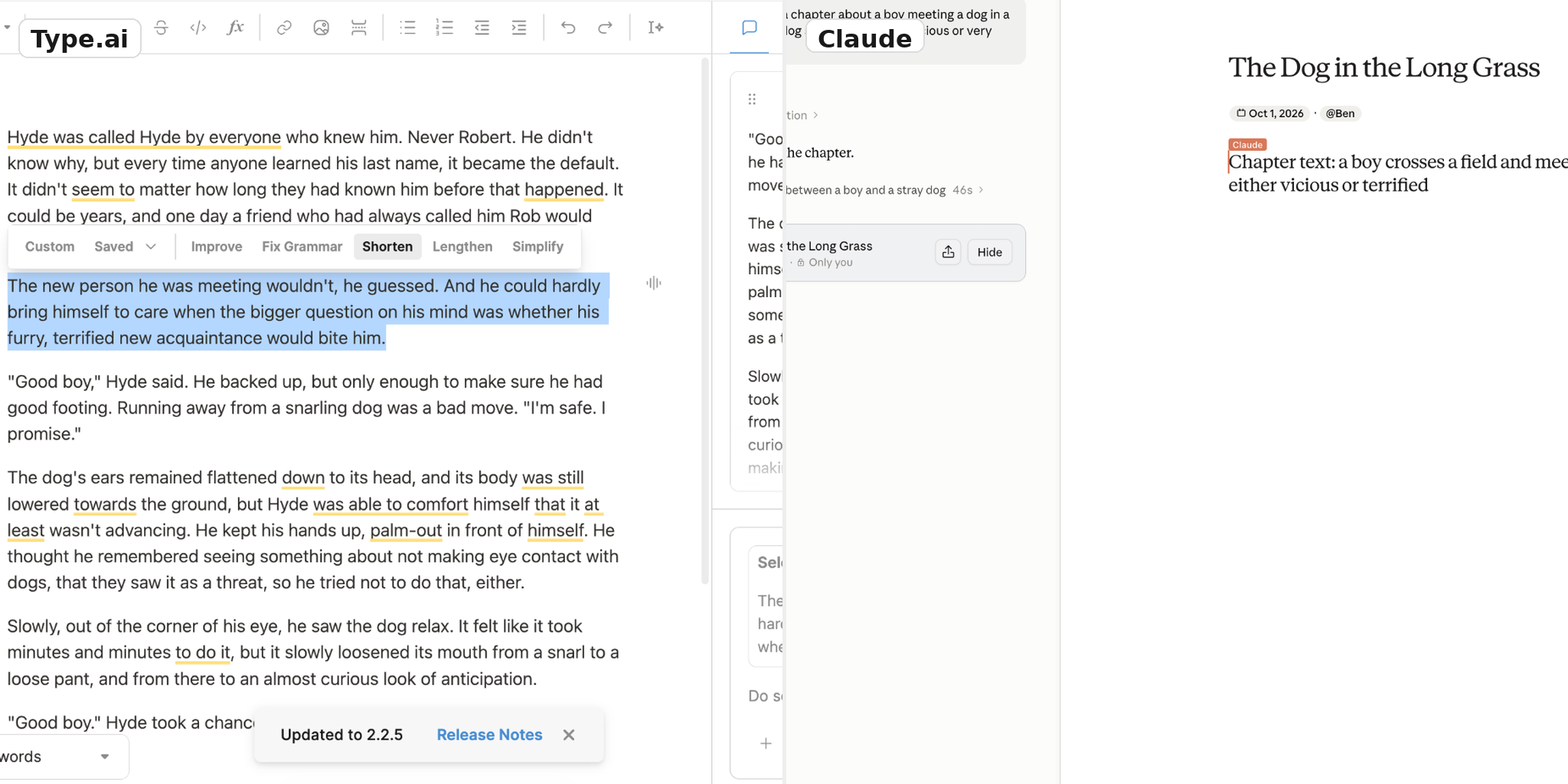


What Each Tool Is
Claude is a general-purpose AI assistant. It’s built around a chat interface that can leverage various tools to do a wide variety of work. It keeps track of all your saved conversations, reasons based on what you tell it and what it knows about you, then uses all that to solve any problem you throw at it. It can research, analyze documents, or shop - you name a task, and Claude can generally do a pretty good job getting it done.
Type.ai is an entire writing environment. It starts by putting the document front and center, so you can always see what you are working on. After that, it puts every tool you need to accelerate your writing within arm’s reach. If you need AI help editing your work, all the power of Claude’s models will highlight sections of your text that need help, propose fixes, and give you the choice of what to accept or reject. All this happens within the piece you are writing - you can see every proposed change within the text itself before you accept or reject it.

The advantages are obvious. Claude Chat is not built to hold entire novels; as works get longer, the difficulty of keeping things straight within a long conversational thread ramps until even the best of us have a hard time keeping track of things. Type provides the organization Claude by supporting persistent documents up to 150,000 words, providing folder-and-tab organization options, and robust import/export tools.
These advantages aren’t absolute, to be clear. Claude does allow organization of novels as projects to a point, and does a good job at what it’s built to do. But its focus is on conversations and outputs, not manuscripts. When using Type.ai, that difference is stark and noticeable from the first word all the way to the last sentence of a finished book.
Where Claude Is Genuinely Stronger
Claude is stronger than Type.ai in several ways. The first is that, as we’ve said, it’s a general tool. It’s built around the idea that very powerful LLM models can do a wide variety of things, and for anything besides very long-form writing and in-depth editing it outperforms Type.ai hands down.
The second reason has to do with the interface, in the opposite direction we’ve talked about before. Type.ai is good at writing because it’s a streamlined tool aimed at just that. Claude presents itself as a textbox, a conversation, and precious little else. It exposes tools and functions as they are necessary and asked for, because there would otherwise be thousands of them on the screen at all times.
With a lot of set-up and familiarity, experienced writers can and do use Claude’s chat format to create high-quality output, but for most it takes more effort and a more active involvement from the human side to keep things straight.
Artifacts
Claude’s Artifacts feature closes some of the gap we are describing. When you create a longer piece of text in Claude, it can save it as an Artifact - a stand-alone object that exists independently of your current conversation, and that other conversations can see and reference. Some people use that to organize their book chapter by chapter, like this:

As an organizational tool, Artifacts go a long way to making Claude usable over large contexts and in helping authors keep their work organized within Claude’s working environment. Without Artifacts, work you do in Claude lives in conversations, where it’s easy to lose track of. With it, it’s possible to effectively organize and track the work you do.
It’s also important to note what Artifacts do not do. They do not increase Claude’s context window; it still struggles to keep track of long texts, no matter how you divvy them up. It can’t store an entire novel as a single Artifact, either; as a tool, Claude aggressively manages keeping its context windows small, which means refusing to work with blocks of text larger than a few or several chapters.
To keep all your work surfaced to an AI tool as one long, continuous document, you need a more specialized tool. That’s where Type.ai maintains its edge; with support for documents up to 150,000 words in length, Type allows you to work with your entire project as a single manuscript, just as your eventual readers will experience it.
Projects
Claude’s Projects are another organizational tool that allows various pieces of context to be linked together as relevant to a single overarching task. As an example, an author could link together all the chapters of their book, their story bible, images related to scenes or characters, or research documents together under the banner of a single novel or blog post.

Like Artifacts, this is another powerful tool that absolutely helps authors keep their projects organized. It’s also similarly limited. While Projects helps authors work around Claude’s context window issues to some extent, it doesn’t completely solve them. With projects, Claude knows exactly what to reference for context related to a single project, but it still can only keep so much context front-of-mind at any given time.
Non-Writing Tasks
For other tasks not related to writing, like extending thinking on hard scientific or mathematical problems, Claude’s ability to adapt to a task helps it win, hands down.
Given that Claude has a generous free tier, it makes sense to use it for (at least) every non-writing task you can throw at it. As we’ve said, it can do almost anything, and for nearly everything it’s the clear best choice.
Chat Interfaces Are Not Ideal for Long-Form Writing
So where does Claude fall behind? It’s not while generating a single paragraph. A well-prompted Claude conversation produces snippets of text that are every bit as good as Type.ai does; as we’ve already talked about, it’s the same underlying powerplant driving both. If you manage to prompt an entire novel in Claude, giving it all the attention and necessary human edits it needs to be its best, the output will be good.
The relevant question is not, then, whether or not Claude can generate good text. Instead, it’s how much work it is to get it to do that, and how difficult it is to add your voice and style to the process. In other words, it’s about workflow and method.
Imagine you as a writer are 60,000 words into a novel, and you want Claude to work on all 60,000 at once. Claude struggles with this kind of length in several ways. First, it lacks a good built in way to display all that text - where Type.ai has a central, persistent window that can contain an entire long piece, Claude struggles to manage the same length. It does have workarounds, like requesting smaller snippets to work on, or working and exporting each generation as a new docx file, or even working within the drive file itself. But none of these are complete solutions, and Claude itself acknowledges that:

The picture above is a novel-length work, and Claude simply can’t work with it as a whole chunk; the only way it can even display that much text is by saving it locally through the browser, a non-persistent way of storing the text that’s subject to failure and erasure in a way that Google Docs or other cloud-saved files aren’t.
These methods work, but they are fundamentally workarounds. The reason why is context management; Claude simply struggles to keep an entire novel active and front-of-mind at once. For smaller chunks of text, the kind of workarounds it proposes are just fine. For novel-length works, it simply doesn’t have a big enough workbench to spread out an entire manuscript.
Meanwhile, Type.ai handles that kind of document size just fine.

That “in part or in whole” bit is more important than you might at first think, as well. In Type.ai, you can highlight a paragraph or sentence for focused work, hit a button, and get edit suggestions you can see within the document. In Claude, the same process is harder - you have to verbally guide it to the same paragraph and ask for changes, which takes significantly longer to do. The alternative is to ask for edits in a broad-spectrum pass, where the AI completes the changes it thinks are best and spits out the output in an all-or-nothing form.
These context-related problems are the biggest general failing of Claude as a chat format. Since it can’t keep the whole book in mind, it loses consistency; it tries to remember what style it was writing in with summaries rather than by actually remembering the text of the book, and its voice tends to drift. When you do manage to get it to keep larger contexts in mind (which works, sometimes, in a limited way) it burns through tokens like crazy, which means session token-spend limits become your new bottleneck.
Again, this isn’t a whole-cloth criticism of Claude. It’s Projects organizational structure really does help keep conversations about your book organized, which is nice. It does write well, and in small-scale settings does this just as well as Type.ai. But when you need an AI to work with a large, novel-sized context, it hits designed limits and falters. That’s where specialized tools like Type.AI shine.
How Type.ai Closes the Gap
One important thing to remember about the choice between Claude and Type.ai is that choosing Type does not mean losing everything Claude has to offer. Type.ai offers a choice of models from OpenAI, Anthropic (Claude’s creators) and Gemini, so asking it to generate text means using the same underlying capability that drives Claude, ChatGPT, or Gemini. There’s no quality trade-off in that respect; you are getting the same power in different packaging.
Sometimes, packaging doesn’t matter much; in this case, though, it’s all-important. In Type.ai, you get access to push-button commands for rewriting, expanding, and refining any text you highlight. These changes happen in-line within the document and wait for approval before becoming permanent, as seen below:

For most writers, editing and refining are a process that happens in separate passes on the same document. That workflow works fine in Type.ai, but the sheer convenience of the document-centered workflow means that you can also edit as you go, highlighting and refining each paragraph as you write it, melding the processes of writing, editing, and perfecting into one quick, seamless process.
As the author, you are never out of the driver’s seat when this happens. Any suggestion the AI makes is just that: a clearly visible suggestion superimposed within your text. You can accept, reject, or keep on discussing the edits until the AI gets them right. Writing in Claude’s chat interface tends to be a process of prompting generation; you ask Claude to write a section, and it creates and outputs what it thinks is best. With Type, the process feels much more collaborative and less automated. It preserves the experience of writing by making sure the effort is author-driven, which helps to keep your original voice and ideas surfaced in the end product.
Type.ai vs Claude at a glance
Pricing by Writer Type
Nobody likes to overpay, so it’s useful to know what tier of service will handle your needs without forcing you to spend what you should. Here’s a breakdown of a few different kinds of writers and how their needs are best met.
Novelists
A novelist’s needs are mostly determined by how fast they write, how much AI generation they use, and how much they edit. Since both AI-assisted generation and editing burn tokens, a writer who does most of the work themselves and uses AI sparingly will usually find that Basic tiers are plenty, while writer who generates most of their text with AI and heavily edits using AI refining tools might need a Pro or Max plan.
Note that while we are addressing token use as the primary pricing criteria here, it’s important to note that long-document support is still important to a novelist working with novel-length manuscripts. Claude’s document-length limitations are still present at any tier, regardless of pricing.
Expected Pricing: Type.ai Basic at $8 a month, billed annually or Claude Pro at $17 a month, billed annually
Screenwriters
Screenwriters tend to write fewer total words than novelists, but they also tend to spend more time refining in order to get the pitch-perfect dialogue they need. Most screenwriters should start off with a Basic plan, and consider moving to Pro when their output climbs high enough to justify it.
As with novels, screenplays often run long; when these documents grow to sizes Claude can’t easily handle, upping to a higher, more expensive tier won’t fix the problem.
Expected Pricing: Type.ai Basic at $8 a month, billed annually or Claude Pro at $17 a month, billed annually
Technical Writers
Most technical writers need more than text; they require graphs, charts, tables and analysis that Claude is better suited to provide. Type.ai is still good for writing the kind of text they need, but probably makes more sense as a secondary tool for organizing sets of connected work, or building a single cohesive manuscript from multiple technical documents.
Expected Pricing: Type.ai Basic at $8 a month, billed annually or Claude Max, starting at $100 a month.
Business Writers
Writers who make business content produce a lot of words with high expectations for correct grammar, efficient structure, and clarity of meaning. This draft-to-deliverable stream of white papers, reports, and briefs tends to require an unescapably high word count, and it’s important they have enough tokens to match their professional needs.
Expected Pricing: Type.ai Pro at $16 a month, billed annually or Claude Max, starting at $100 a month.
Verdict
Type.ai is the clear choice for serious writers who want powerful tools to accelerate their process, but that doesn’t mean that Claude is in any way deficient. Claude is an incredibly powerful tool that writes in a nuanced, expert way. Its only failings have to do with trying to be all things to all people, and struggling with finding a way to handle large documents well enough to meet an author’s needs.
For light writing tasks or for working with texts of limited length, Claude works just fine. If your needs go further -if you need, for instance, optimized editing tools, powerful import/export capabilities, or the ability to work efficiently with longer works then Type.ai is the clear choice.
Frequently asked questions
1. Does Type.ai Actually Include Claude's Model?
It does. Type.ai offers models from OpenAI, Anthropic, and Google. This means Type.ai is working with the same frontier-lab models with no quality concessions.
Because Type.ai is a specialized writing environment, it’s better to handle non-writing tasks in Claude’s chat interface. For writing, it gets the most out of Claude’s power in a format that helps writers work more quickly and efficiently.
2. Will I Lose Claude's Writing Quality in Type.ai?
No. Type.ai offers the option to use top-quality Anthropic models. If anything, Type’s document-first interface helps people get more quality out of Claude’s power, not less.
3. Is Type.ai Better Than Claude for Writing a Novel?
Generally speaking, yes. The difference is not in prose quality; both write a sentence or paragraph about as well as each other. Type.ai’s 150,000 document-size allowances and in-line editing tools offer convenience and efficiency Claude generally can’t fully match.
4. Is Claude's Context Window Enough to Write a Book?
Short books, may be. But long form - very difficult. An author could successfully prompt an entire book in Claude, and many have. In many ways, however, Claude struggles with large documents. It has trouble “remembering” an entire book at once, which can sometimes result in “voice drift” and looser plotting than a specialized tool would allow. The takeaway is not that it can’t write a novel within these context limitations; it can. It’s just a process that demands more effort from the human in the driver’s seat.
5. What About Artifacts?
Artifacts are objects Claude creates that are related to conversations, but separate from them. When you ask Claude to generate or open a chapter from your book, it often organizes that text into an artifact which opens up to the side of your conversation.
The main benefit of Artifacts is that they exist as independent objects, which means you can reference them in other conversations or open them independent of conversations from the Artifacts tab. This closes some of the gap between Claude’s general-use design and Type.ai’s writing-specific focus, but not all; it can’t replace an interface that allows AI tools to see and interact with an entire novel-length work at once.
6. What About Projects?
Projects are another organizational tool Claude uses for bigger jobs. A collection of artifacts (individual chapters of a book, a story bible, context documents, etc.) can all be organized into a single project, which Claude can use as a unified reference when you have a conversation about the document you are trying to write.
Like Artifacts, Projects are a great tool and we recommend using them. They do, however, require quite a bit of extra effort to use compared to Type.ai’s interface; most authors will find Type.ai does more with far less work and margin for error.
7. Can I Switch Models Mid-Document?
You can. The model in use can be changed at any time via the settings menu, which allows for flexibility if you prefer one model over another for certain tasks. Type.ai now uses the best model for the task at hand ensuring you get the best outputs without you having to worry about model switching.
8. Should I Keep Using Claude Alongside Type.ai?
Many authors do, especially when they need in-depth research or problem-solving that falls outside of Type.ai’s specialization. We recommend you use Claude for the things you need that it excels in, while using Type.ai for the bulk of your writing and editing tasks.
9. What Does Each Cost?
Type.ai and Claude both offer a free tier, and writers doing work at a slower pace might find those tiers adequate to their needs. Type.ai’s basic tier costs $8/month when billed annually, and Claude’s paid plans start at $17/month billed annually.
10. Can I Export from Each?
You can, but Type.ai’s export tools are a little easier to access and use. As with most things, Claude is sometimes better if you have a specialized format in mind that takes more thinking, but for most formats authors need and use Type.ai is the simpler, quicker option.
11. Type.ai vs Claude: Which Is the Best Tool for My Writing Process?
It depends on what kind of help you need. Claude is great at brainstorming, does excellent research, and can play devil’s advocate when you refine an argument. It’s a strong general-purpose tool. Type.ai is all about the writing process, making sure all the AI assistance you need for drafting and revision are always available and ready to go; it helps you finish with the least amount of friction and moving between apps.
12. Can an AI Writing Partner Preserve My Writing Style?
No AI writing tool automatically preserves a human writer’s voice. Providing samples and explicit prompts that tell the AI what to emphasize and what to avoid help, but it’s still necessary to check AI output and edit as necessary to make sure everything is 100% up to your standards.
13. Are ChatGPT and Claude Useful Alongside Type.ai for Content Creation?
They absolutely can be. For brainstorming, researching, and planning, both tools are excellent partners and can amplify the work you do both inside and outside of Type.ai’s interface. You don’t necessarily need paid subscriptions to all three services; ChatGPT, Claude, and Type.ai all offer free tiers which can often be enough for light side-work tasks.
14. Does Extended Thinking Mode Make Claude Better at Writing?
It might, but the clearest advantage of extended thinking modes have to do with complex reasoning and problem-solving. It’s subjective, but in our experience you get more mileage out of a thoroughly thought-through prompt and careful post-output editing than a token-use-heavy thinking setting.
15. Is Claude’s context window the same as a knowledge base or document editor?
No. A context window is how much information a model can consider at once. A knowledge base provides reference material, while a document editor is where you create and manage the manuscript. Claude’s Projects and related features can help organise conversations and reference files, but they are not the same thing as editing a long manuscript in a dedicated writing workspace. A larger context window can help Claude analyse more text; it does not, by itself, provide chapter organisation or inline editing. Context limits vary by model and how you access Claude, so check Anthropic’s current documentation for the specific plan or model rather than relying on a single figure.
16. How should writers compare Claude’s usage limits and pricing tiers?
Compare the work you need to do, not just the monthly price or a quoted token limit. Usage limits vary by plan and can change; providers also measure usage differently, so token allowances do not translate neatly into a set amount of writing or editing. Start with the lowest tier that supports your typical workflow and upgrade only if you regularly hit its limits. A Team plan is mainly worth considering if you need its collaboration or administration features; solo writers should compare individual plans against their actual workload. Verify current prices and plan details before publishing.
17. Why Is a Document-First Editor a Big Deal for Long-Form Content?
Writing a long manuscript is a loop of writing, editing, perfecting, and writing some more. Most authors will change and revise a document dozens of times before it meets their standards, which means navigating through the document again and again, finding individual opportunities for improvement, and then doing the work it takes to sand down the rough edges until a piece shines.
Claude’s side-panel and document-management features support writing well, but they aren’t as useful on long documents or for quick, granular edits to individual parts of the text.
18. How Should I Compare Usage Limits and Pricing Tiers?
Different products define usage limits in different ways, so the easiest way is to start at a sample or entry level tier and upgrade if and only if you find that tier doesn’t meet your needs. This is especially true when comparing different providers to each other, since a stated amount of “tokens” or “usage” may add up to very different amounts of text production and editing.
19. Is Claude’s Team Plan Necessary for Professional Writers?
Not necessarily. Claude’s team plans mainly expand the ways you can share and collaborate on work you do with Claude. If you don’t need those collaboration features, your decision should be based on whether or not an individual plan offers enough usage to complete the work you need done.
20. Can I Publish AI-Assisted Writing Without Further Editing?
You can, but you remain responsible for the results. Remember to verify for factual accuracy, check quotations and sources, and to edit as much as you need to preserve the voice and tone you want. Even cutting-edge models make mistakes, and none of them can replace human effort entirely.